
All features. Detailed.
Glance Live Search is designed for WooCommerce stores that take search seriously.
Real-time results, with every stroke.
Glance uses a dedicated AJAX request to display results as the user types. No page reloads, no waiting, just a smooth and instant search.
Configuration options
Trigger delay
Adjustable from 0 to 2000 ms to control the debounce
Minimum characters
From 1 to 10 characters before launching the search
Number of results
Up to 50 results displayed simultaneously (Pro)

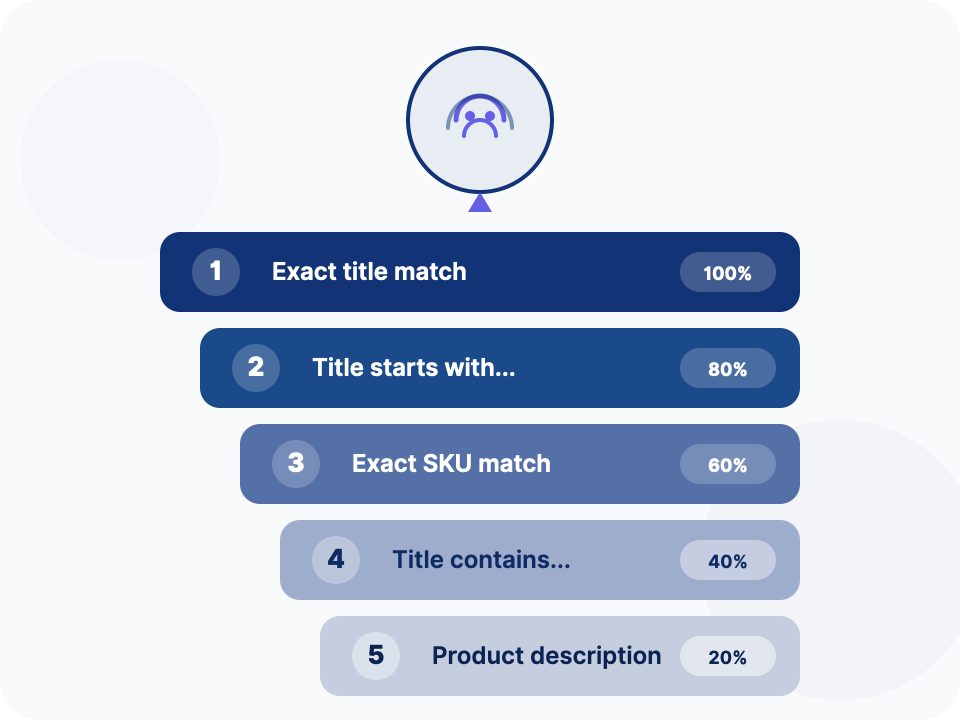
An algorithm designed for e-commerce
The results are ranked by relevance using an intelligent priority system. Exact matches always appear first, followed by partial matches.
Indexed fields
Product title
Short description
Categories
Description
SKU
Tags
Rich results, not just a list.
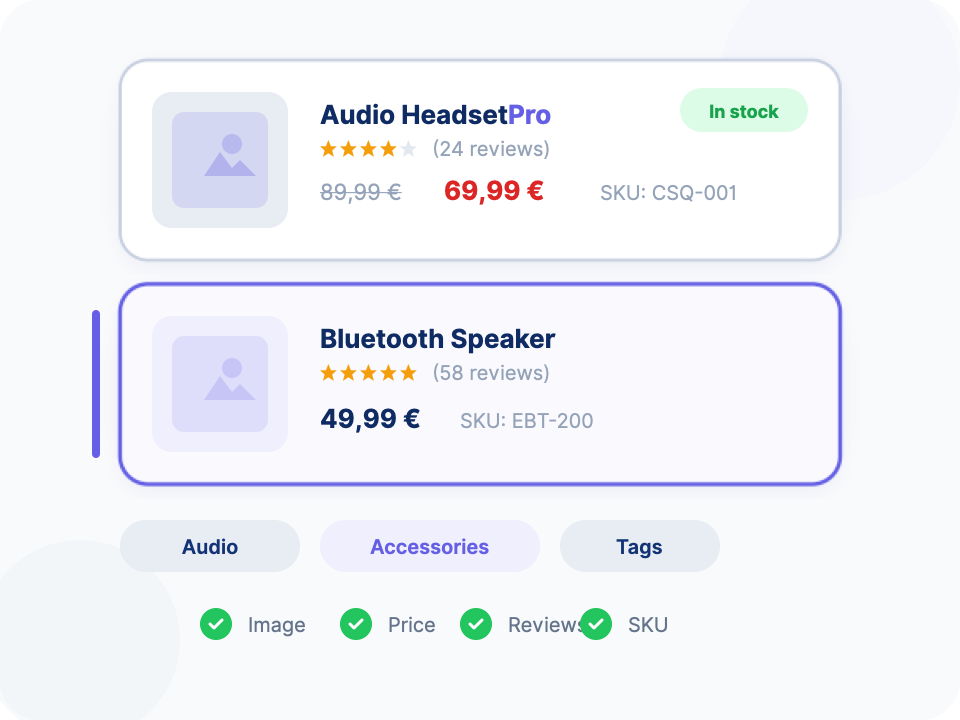
Each result displays essential information to help the customer find the right product without clicking. Choose exactly which elements appear.
Configurable elements
- Product image — WooCommerce product thumbnail
- Product title — With search term highlighted
- Price — Regular price and promotional price with WooCommerce formatting
- Ratings and reviews — Star ratings and number of customer reviews
- SKU — Product Reference
- Categories — Displaying (Pro) Product Categories
- Tags — Product Tags (Pro)
Display mode for results.
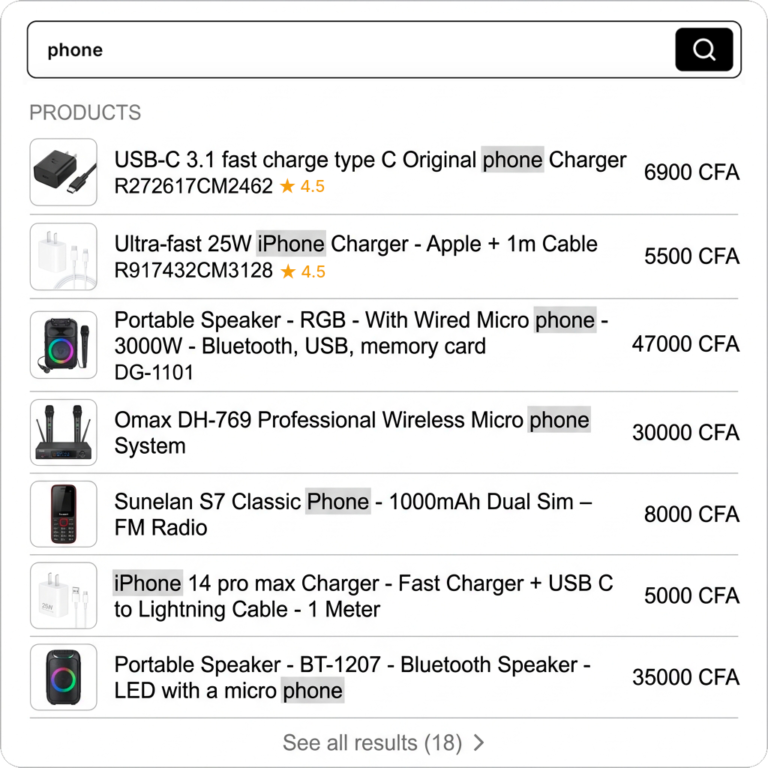
Choose the display mode that best suits your design and the experience you want to offer.
Classic Dropdown
A classic drop-down list below the search field. Simple and effective.
Customize the search bar
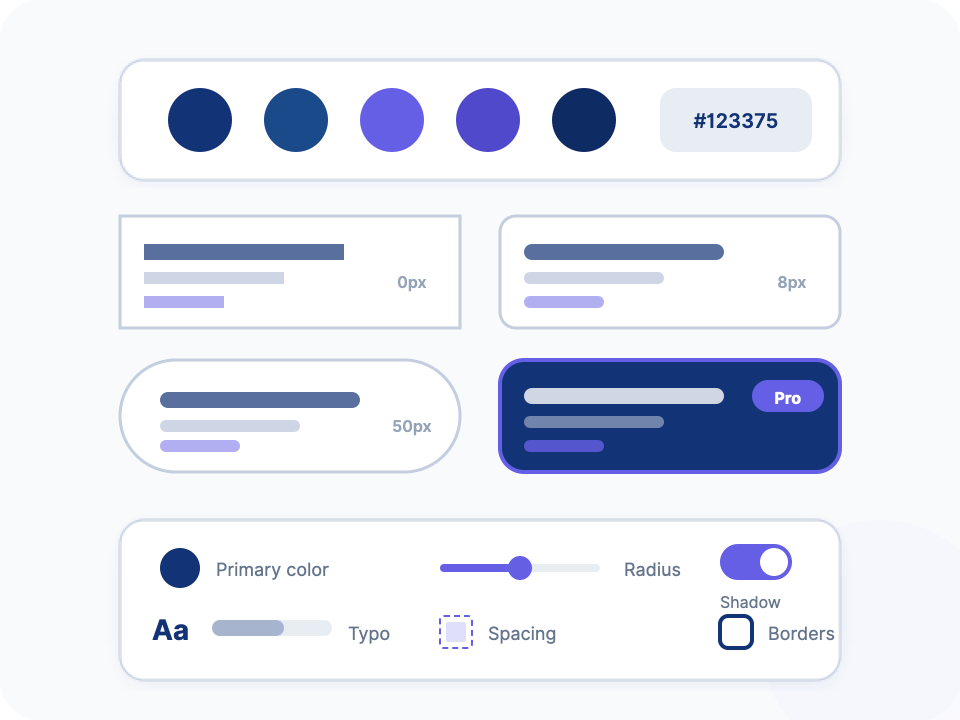
Adapt Glance’s design to your brand guidelines using the built-in presets or create your own style with Custom mode.
| Preset | Border Radius | Style |
|---|---|---|
| Sharp | 0px | Right angles, professional |
| Clean | 8px | Rounded corners, modern |
| Pill | 50px | Pill shape, trendy |
| Custom (Pro) | Free | Full control |
Custom (Pro) Controls
Primary color
Text color
background color
Border color
Border radius
Spacing
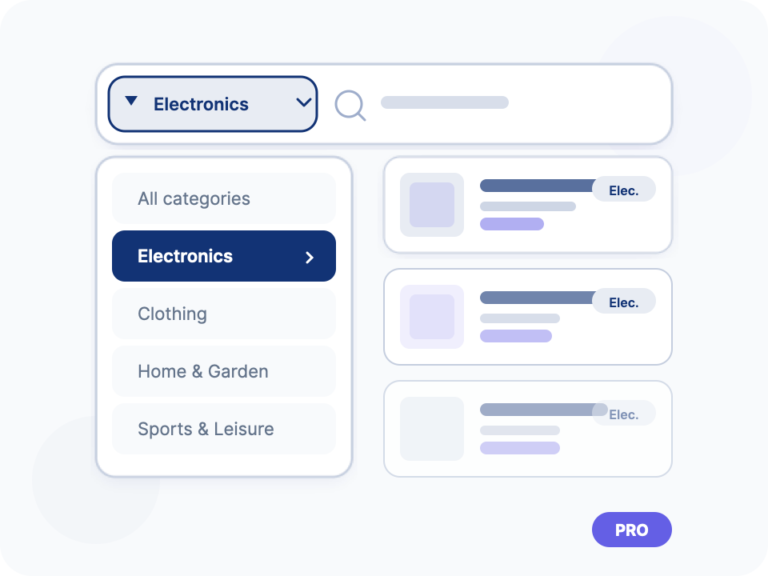
Refine the results by category.
Add a category selector directly to the search bar. Customers can filter results before even typing their query.
- Dropdown integrated into the search bar
- Displays all WooCommerce categories automatically
- Server-side filtering for accurate results
Increase your average order value.
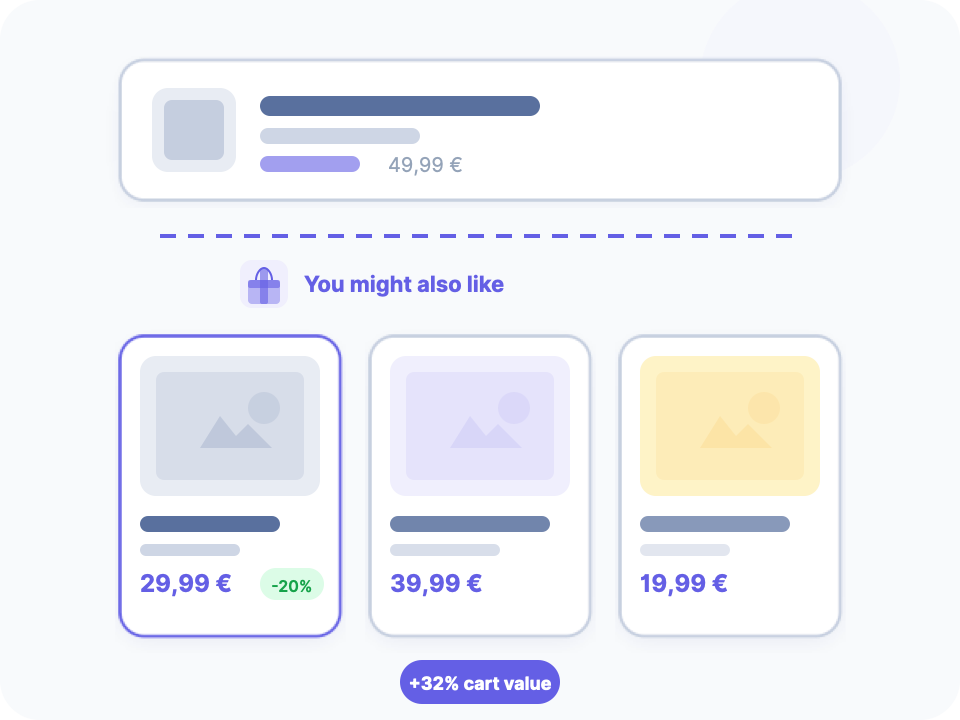
Display recommended products (upsells) directly in search results. An additional sales opportunity with every search.
- Dedicated section — Upsells appear in a separate area of the results
- Configurable — Displays 1 to 6 recommended products
- Intelligent — Based on WooCommerce upsells of the product
A native mobile experience.
On mobile, Glance automatically switches to full-screen mode for an optimal experience. The trigger threshold is fully configurable.
- Full-screen overlay — Dedicated interface for touchscreens
- Configurable threshold — From 320px to 1024px to trigger mobile mode
- Touch-friendly — Finger-friendly click zones

Remembers previous searches.
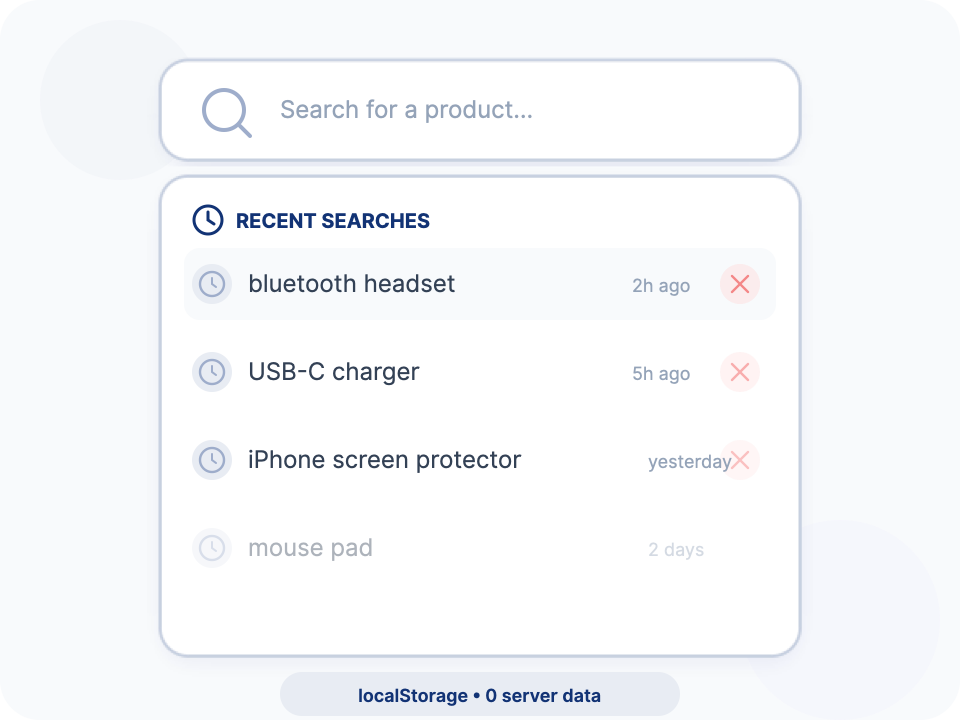
Glance saves search history in the browser’s localStorage. Users can instantly retrieve their previous searches by clicking on the field.
- Local storage — Uses localStorage, no server data
- Configurable — From 1 to 20 saved entries
- Deletion — The user can clear their history
Understand what your customers are looking for.
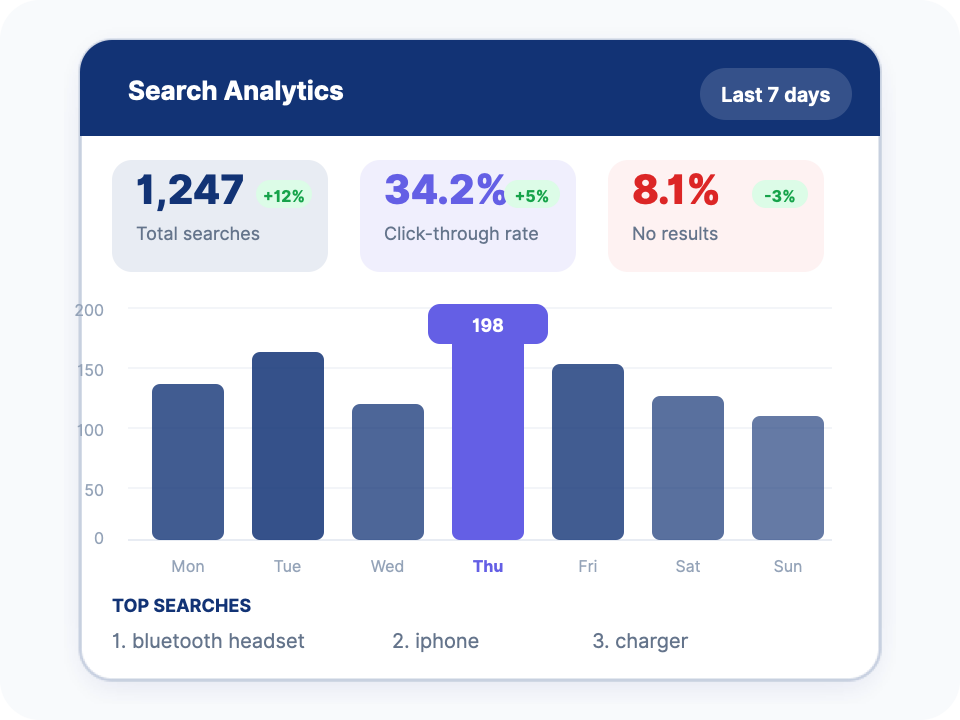
Search data is a goldmine for your e-commerce strategy. Glance captures every search and gives you the tools to analyze it.
- Identify the missing products in your catalog
- Optimize your product titles to match real searches.
- Measure the effectiveness of your search engine with CTR (Pro)
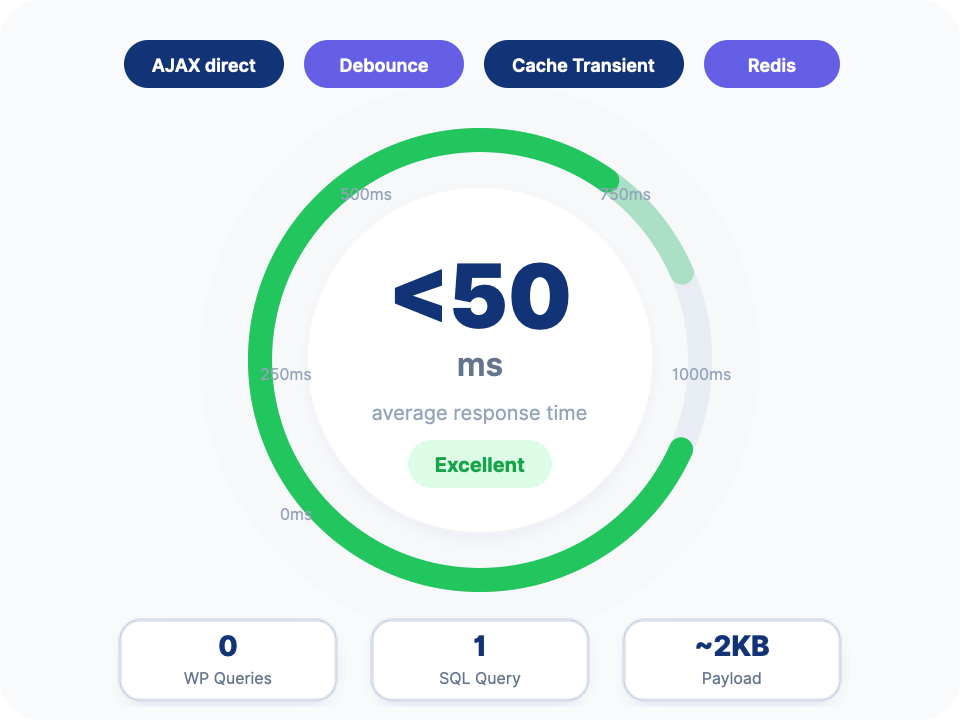
Fast. Really fast.
Glance is optimized for performance at every level. From the frontend to the backend, every millisecond counts.
Optimizations
- Dedicated AJAX endpoint — Bypasses the full WordPress load
- Intelligent debounce — Reduces unnecessary queries while typing
- ransient cache — Results cached with WordPress Transient API
- Redis / Memcached — Compatible with object caches for extreme performance
- Direct SQL queries — No WP_Query, database-optimized queries
5 integration methods.
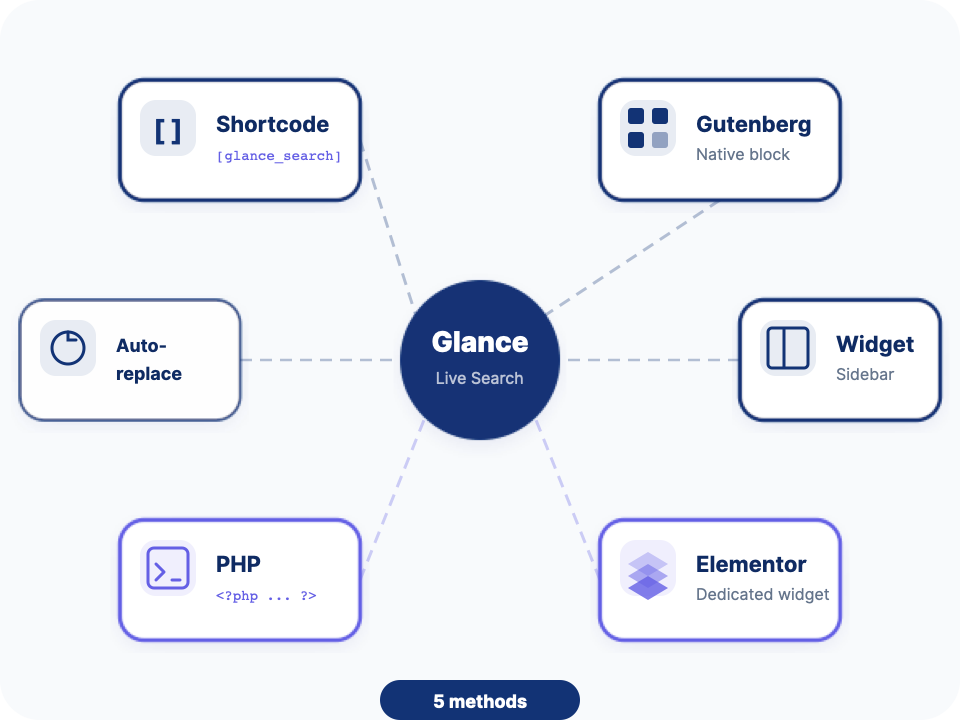
No matter how your site is built, Glance integrates easily. Choose the method that best suits your setup.
Shortcode
[glance_search]— Insert search anywhere in your content
Gutenberg Block
Native block for the modern WordPress editor
Widget
Classic widget for sidebars and widgetized areas
Elementor
Dedicated Elementor widget with real-time preview
PHP
<?php echo do_shortcode('[glance_search]'); ?>
Convinced? Install Glance now.
Start for free and upgrade to Pro when you’re ready. No credit card required.